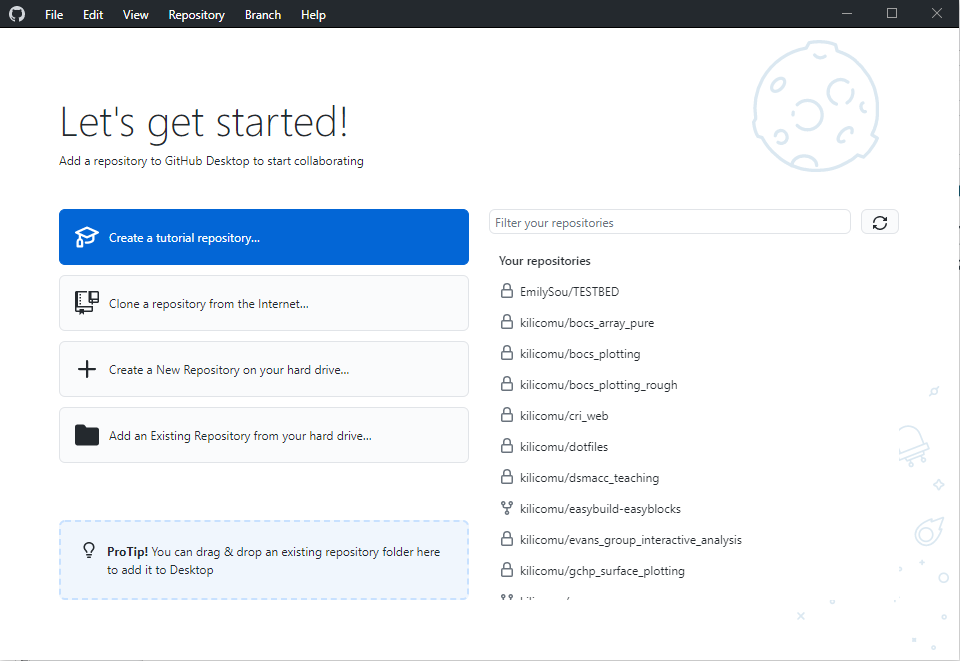
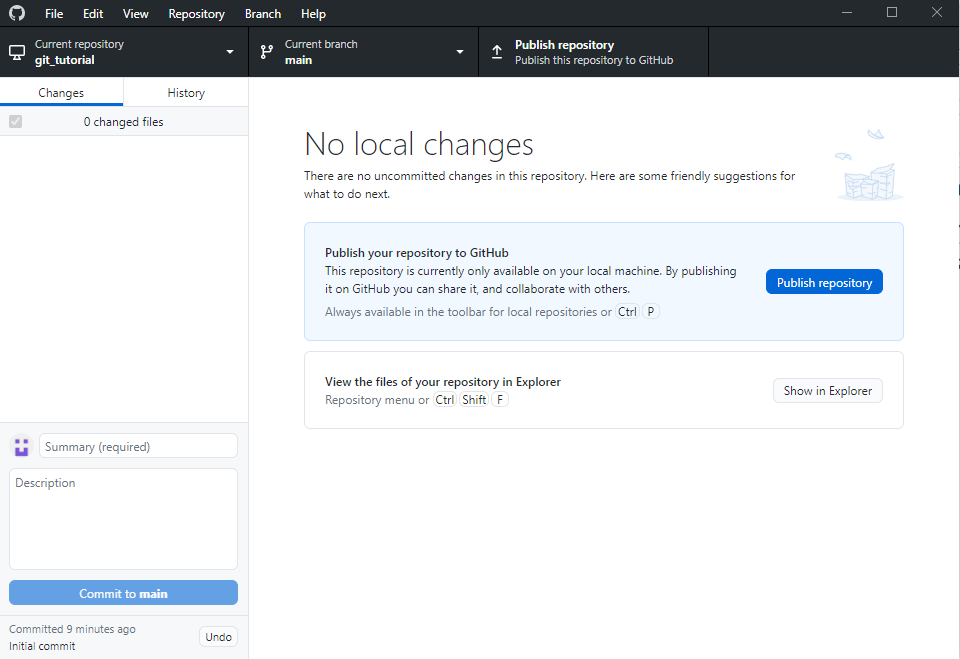
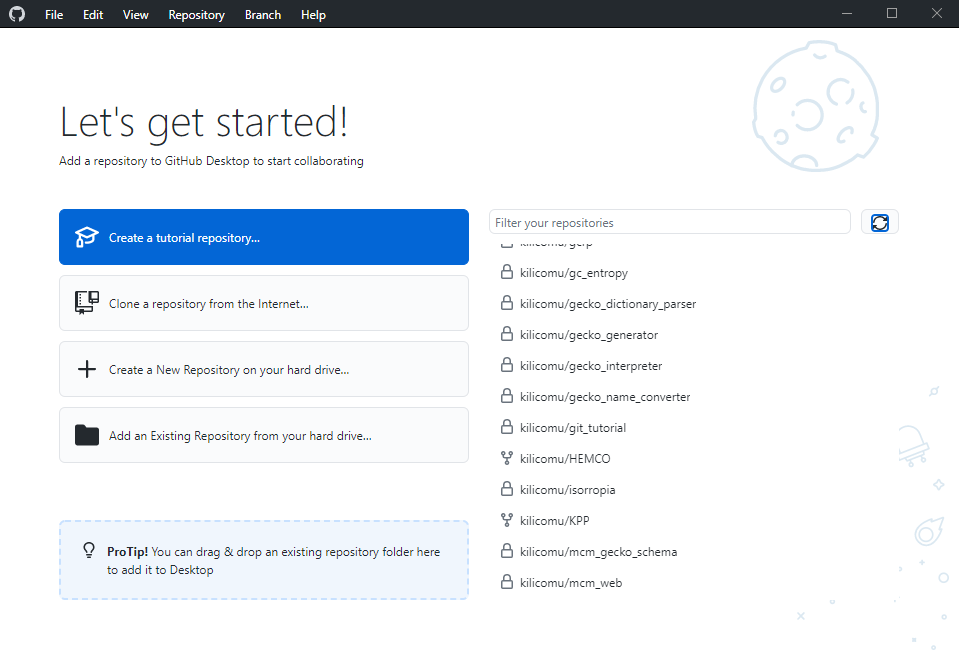
Image 1 of 1: ‘Starting page of GitHub Desktop. There's an arrow pointing to 'Create a New Repository on your hard drive'’
GitHub Desktop view
Figure 2
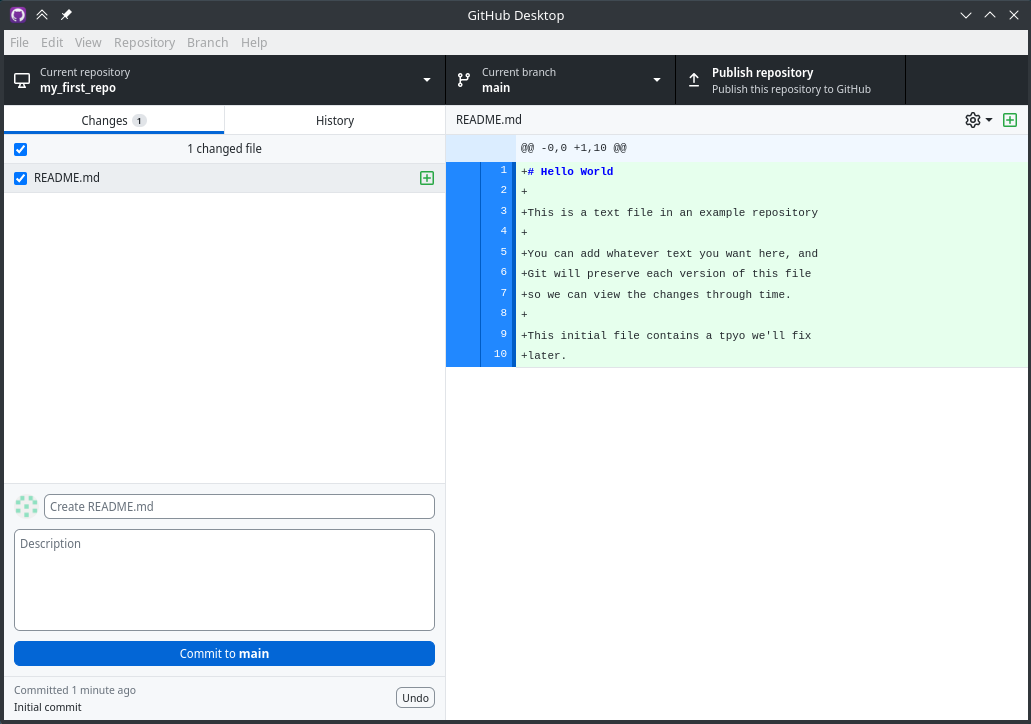
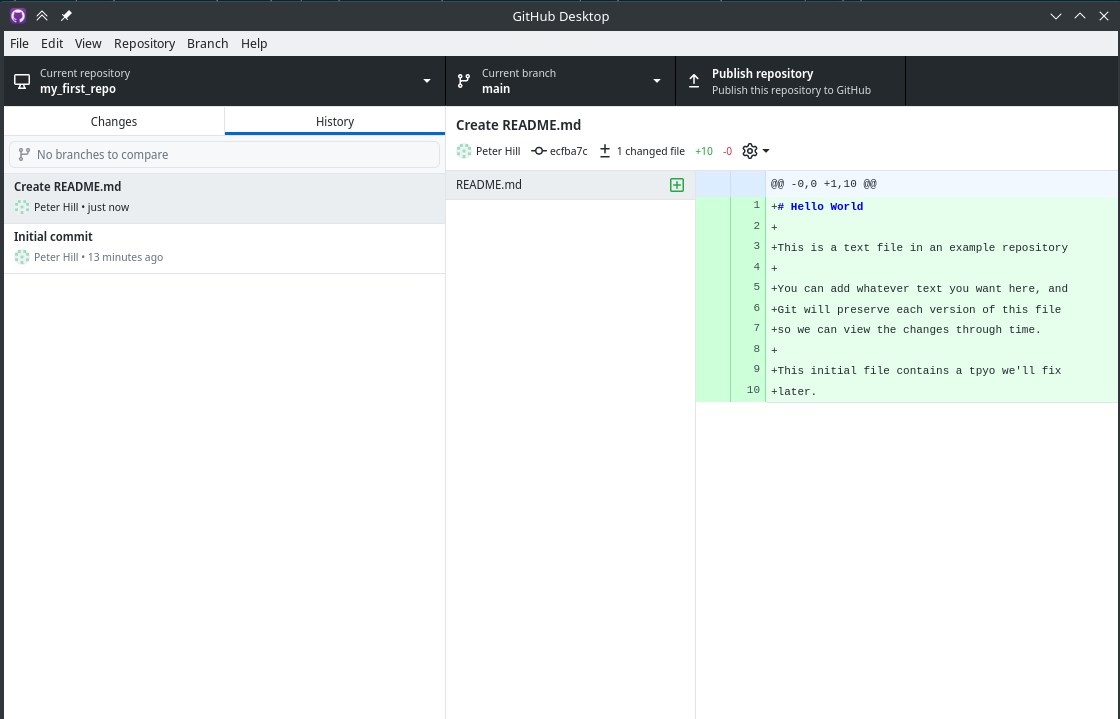
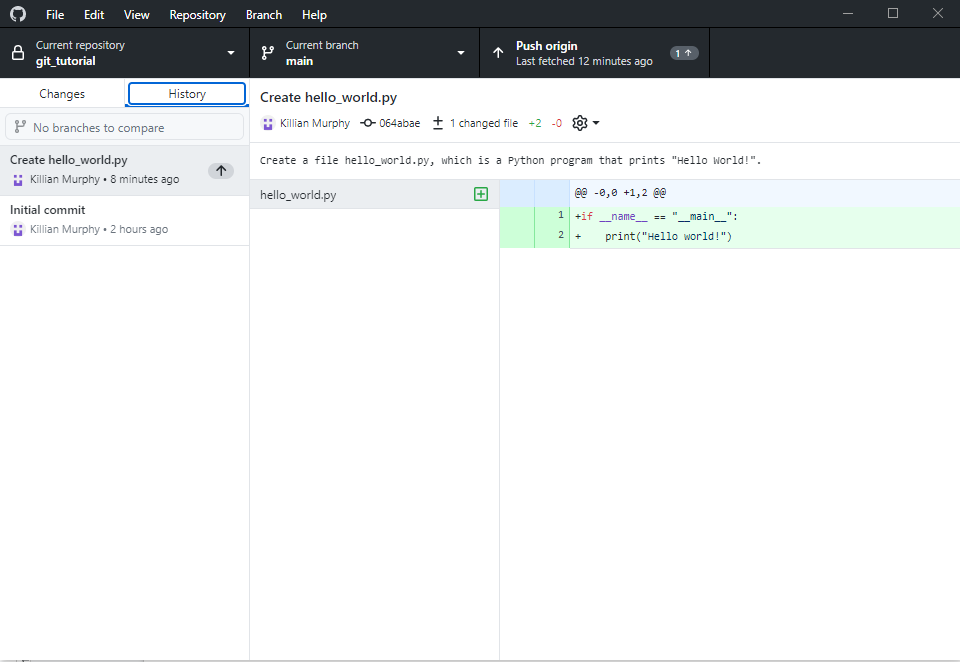
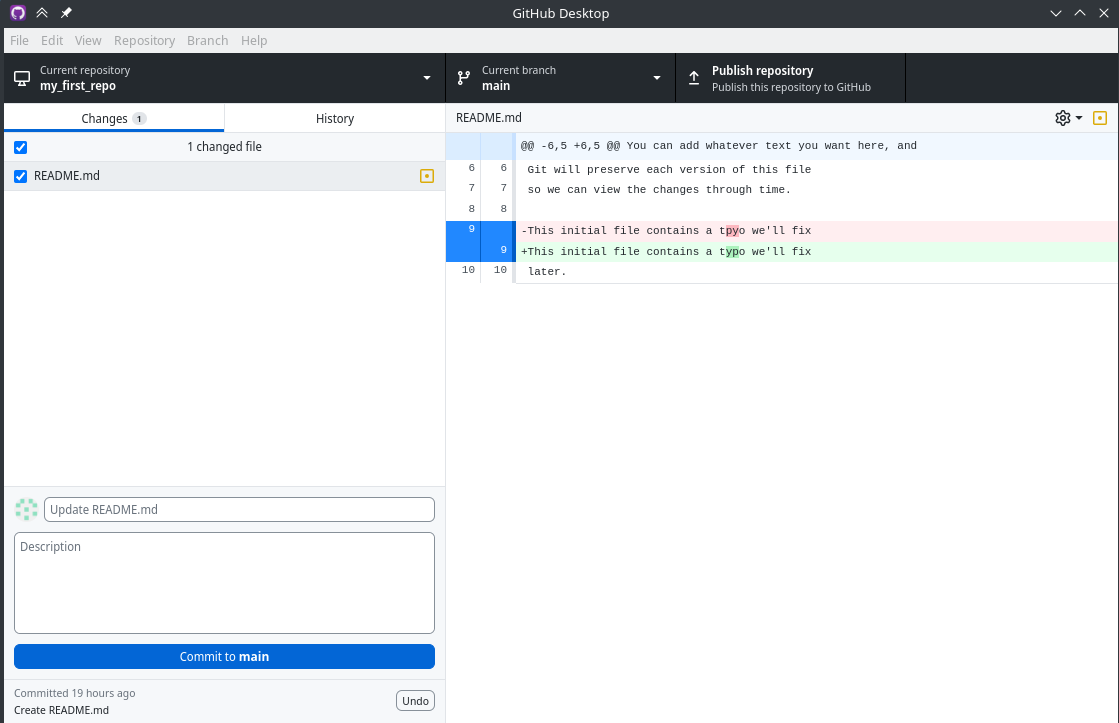
Image 1 of 1: ‘GitHub Desktop diff view. In the left hand panel, there's 1 changed file with our arrow pointing to it. In the right hand panel, there's a diff showing the new file’
GitHub Desktop diff view. In the left hand
panel, there’s 1 changed file with our arrow pointing to it. In the
right hand panel, there’s a diff showing the new file
Figure 3
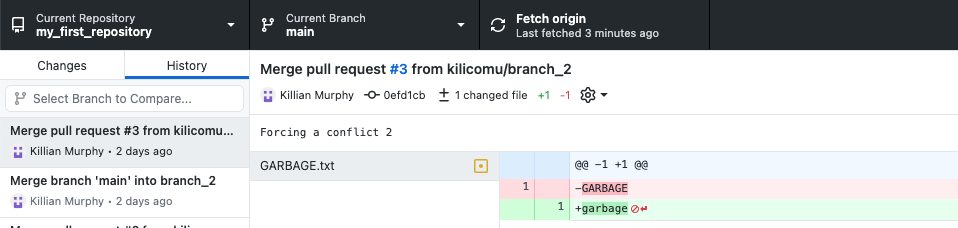
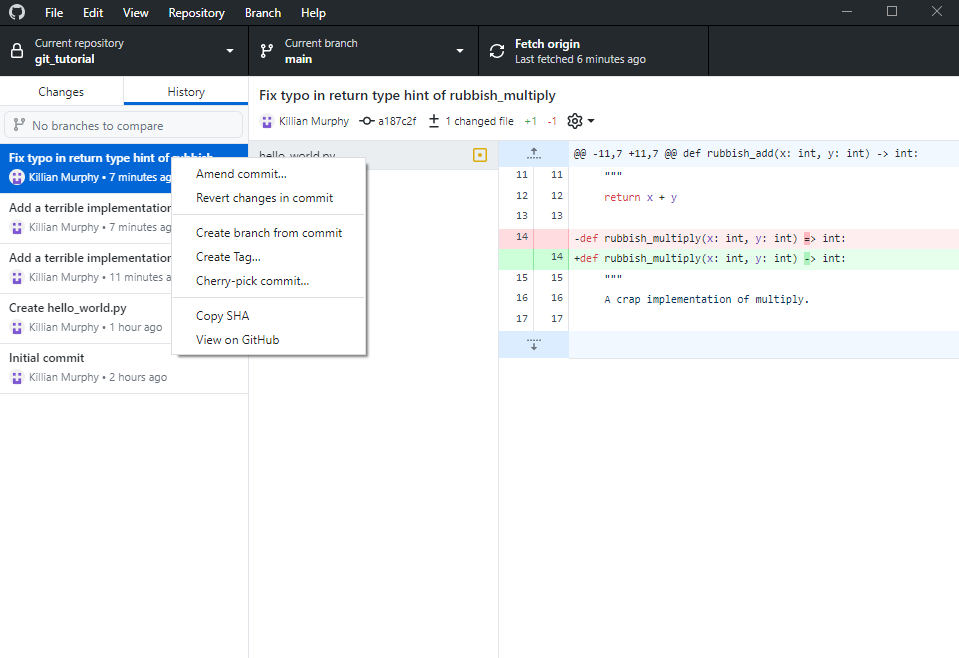
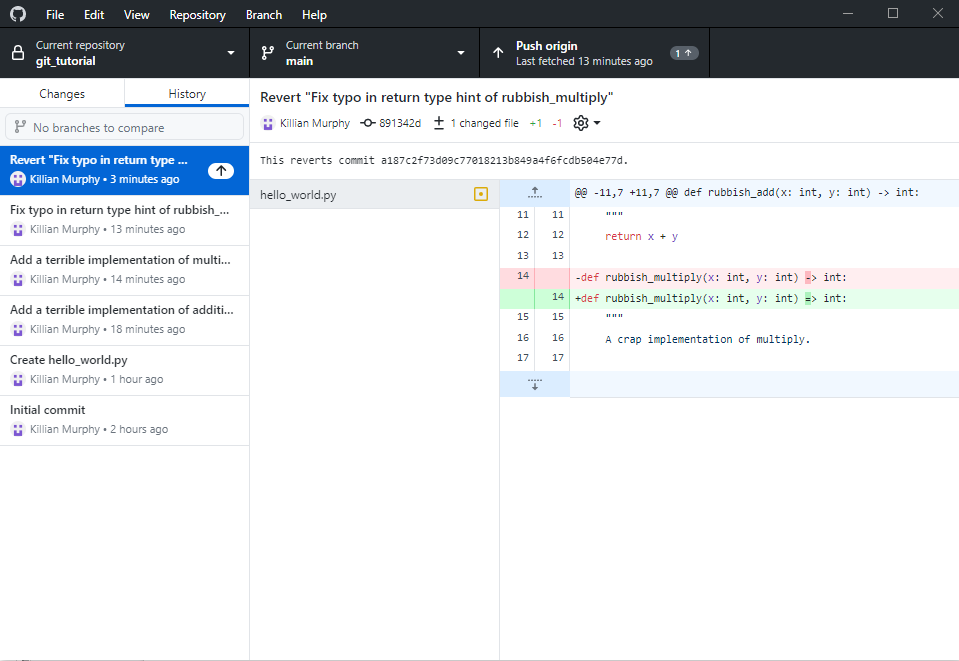
Image 1 of 1: ‘GitHub Desktop diff view with two commits’
GitHub Desktop view
Figure 4
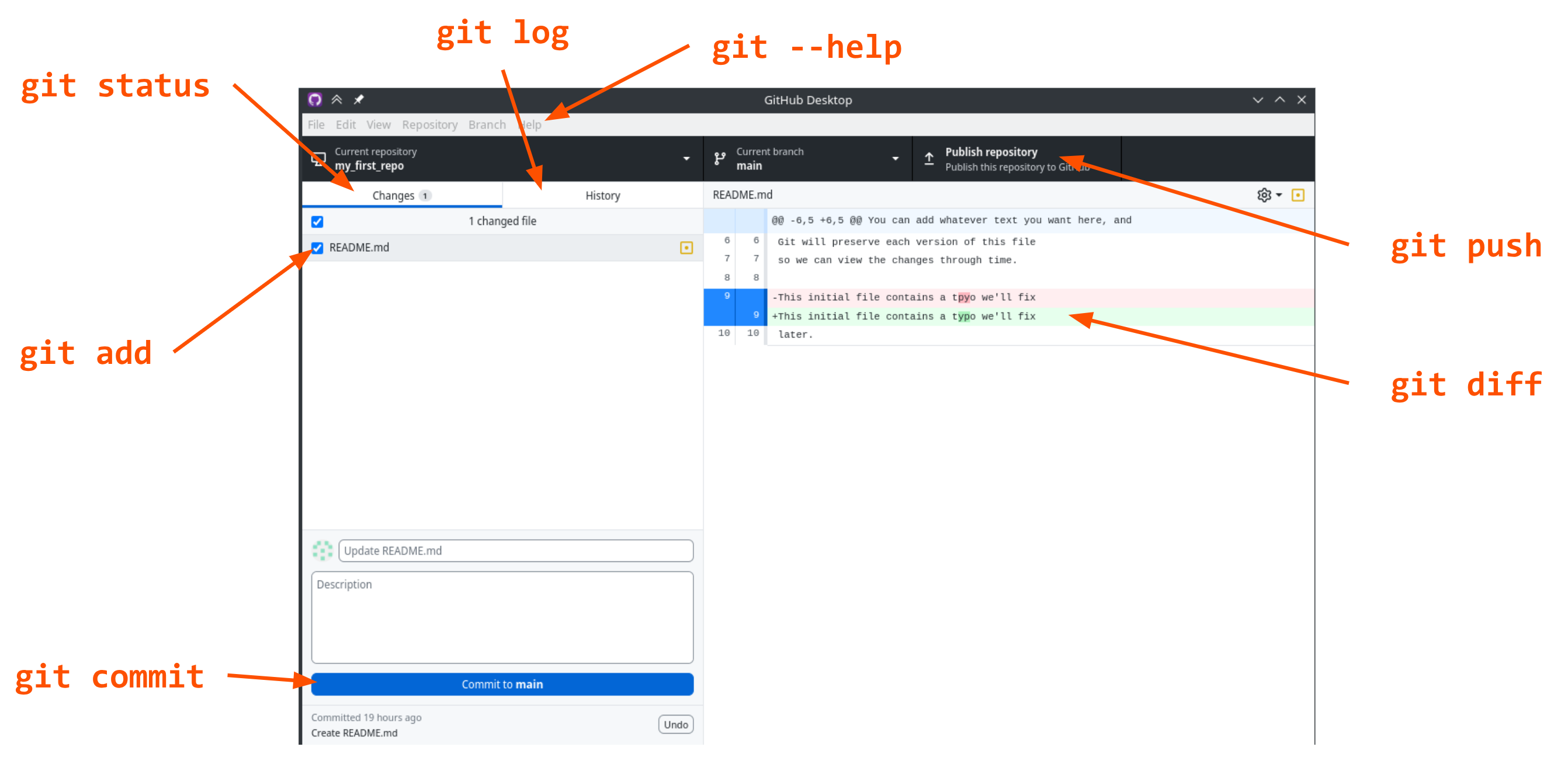
Image 1 of 1: ‘GitHub Desktop screenshot showing correspondence to the command line interface. "git status" is "changes; "git log" is "history"; "git help" is "help"; "git add" is the checkbox in the "changes" panel; "git commit" is the "commit to main" button; "git push" is "publish repository"; "git diff" is the right hand panel’




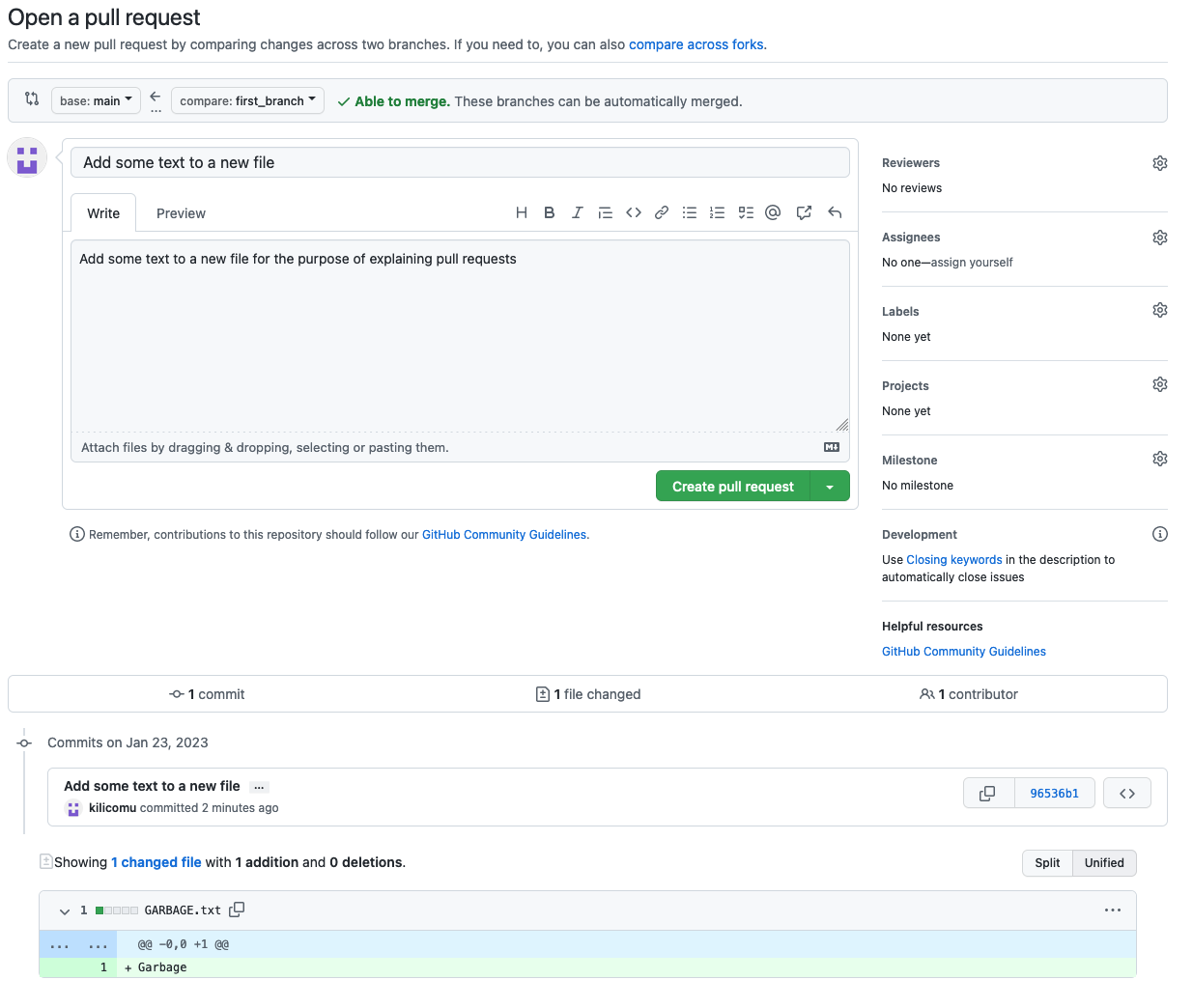 {alt=“GitHub screenshot
showing”Open a pull request” page”}
{alt=“GitHub screenshot
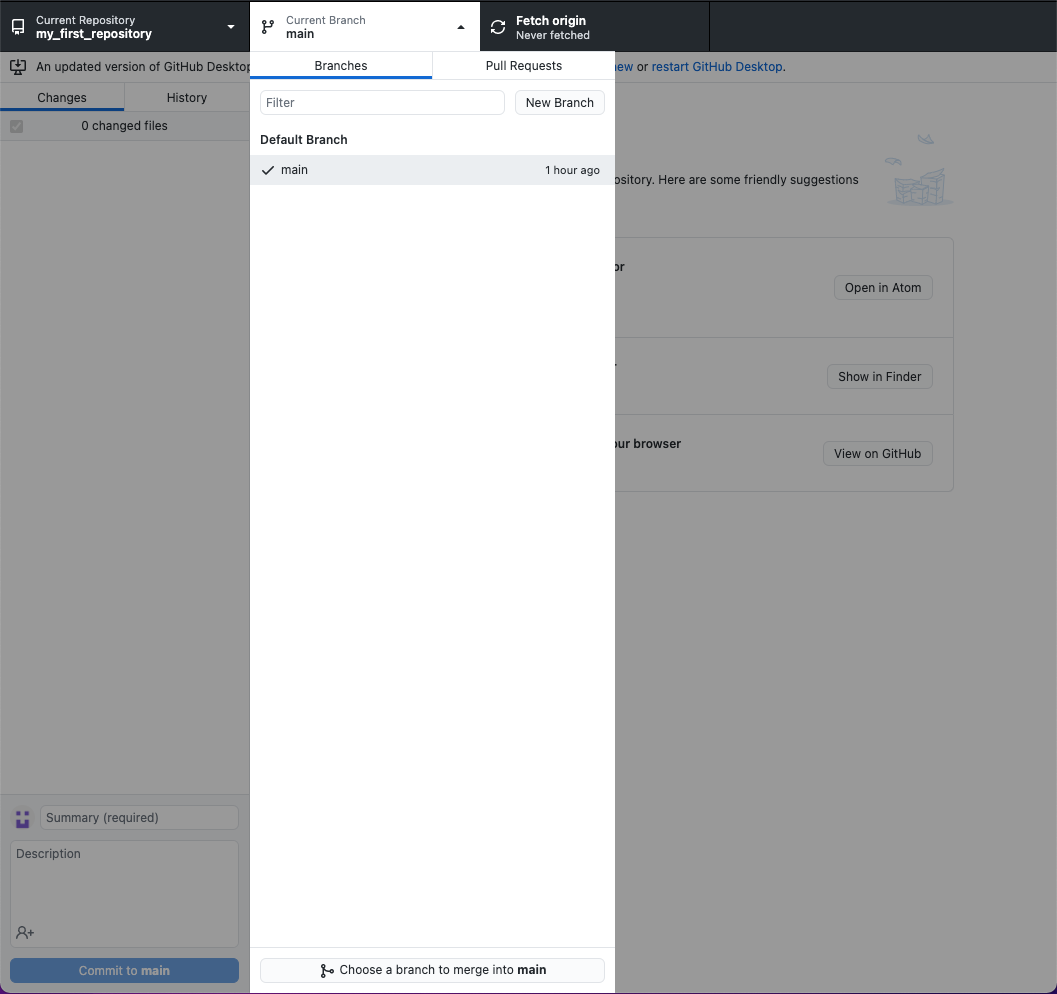
showing”Open a pull request” page”}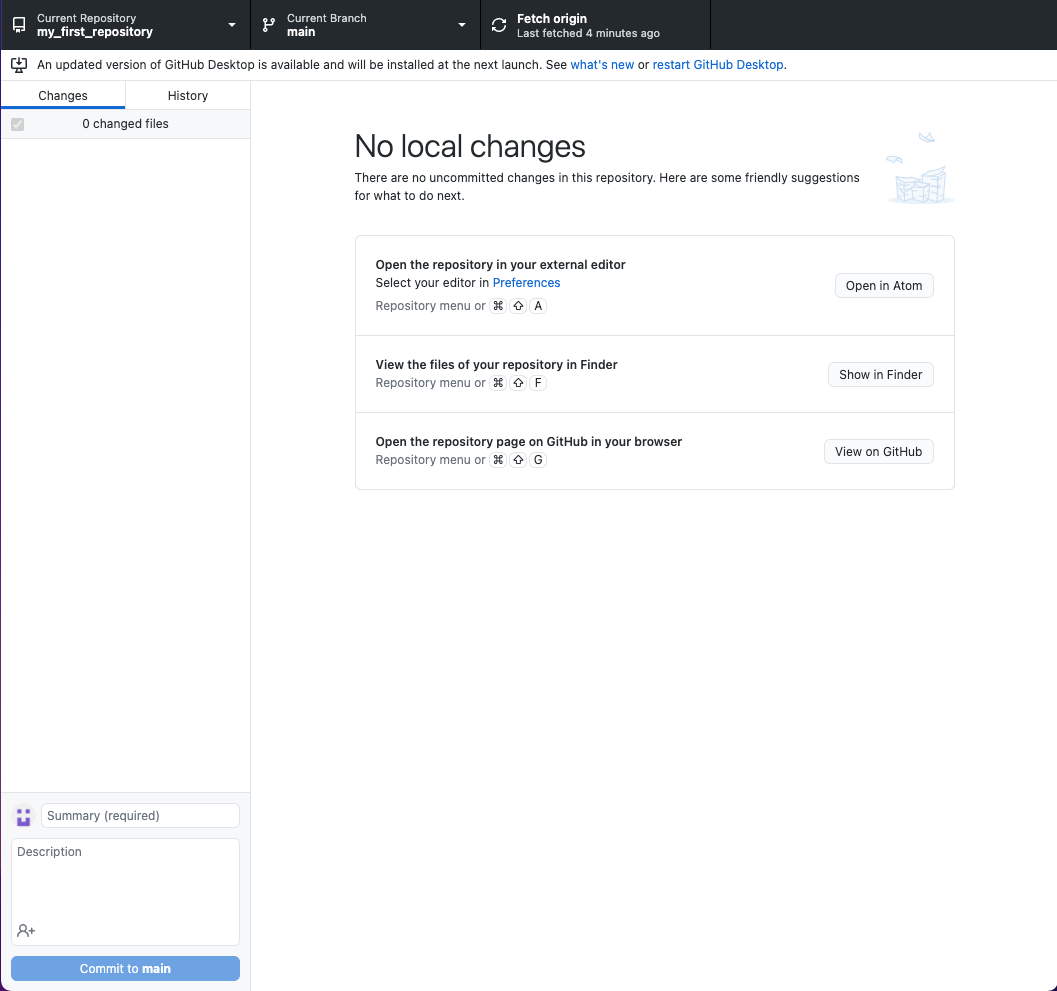 {alt=“GitHub Desktop
showing”Fetch origin” button”}
{alt=“GitHub Desktop
showing”Fetch origin” button”} {alt=“Screenshot of
GitHub showing”Fork” button”}
{alt=“Screenshot of
GitHub showing”Fork” button”}