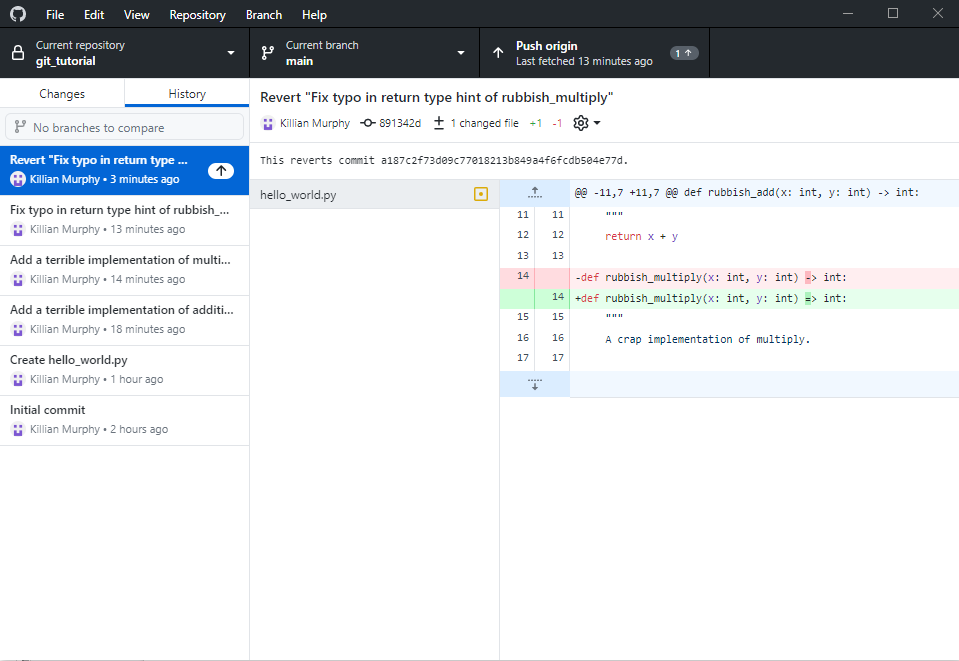

Undoing Changes
Last updated on 2026-04-30 | Edit this page
Estimated time: 30 minutes
Overview
Questions
- How do I undo changes to a repository?
Objectives
- To understand how to undo changes before making a commit
- To understand how to undo changes after making a commit
Undoing Changes
- One of the purposes of version control is to let you undo changes
- There are different changes we might want to undo:
- Changes to the working tree
- Change files staged for the next commit
- Changes made in previous commits
- History ( !! ) (not covered here)
Undoing Changes to Working Tree
- The simplest!
- Github Desktop: right-click -> Discard Changes
- CLI: git restore <file>...
- For example: git restore README.md
- If you forget, run git status for a reminder
- DANGER : git isn't tracking these files, so there's no way to undo this undo!
Undoing Staged Changes
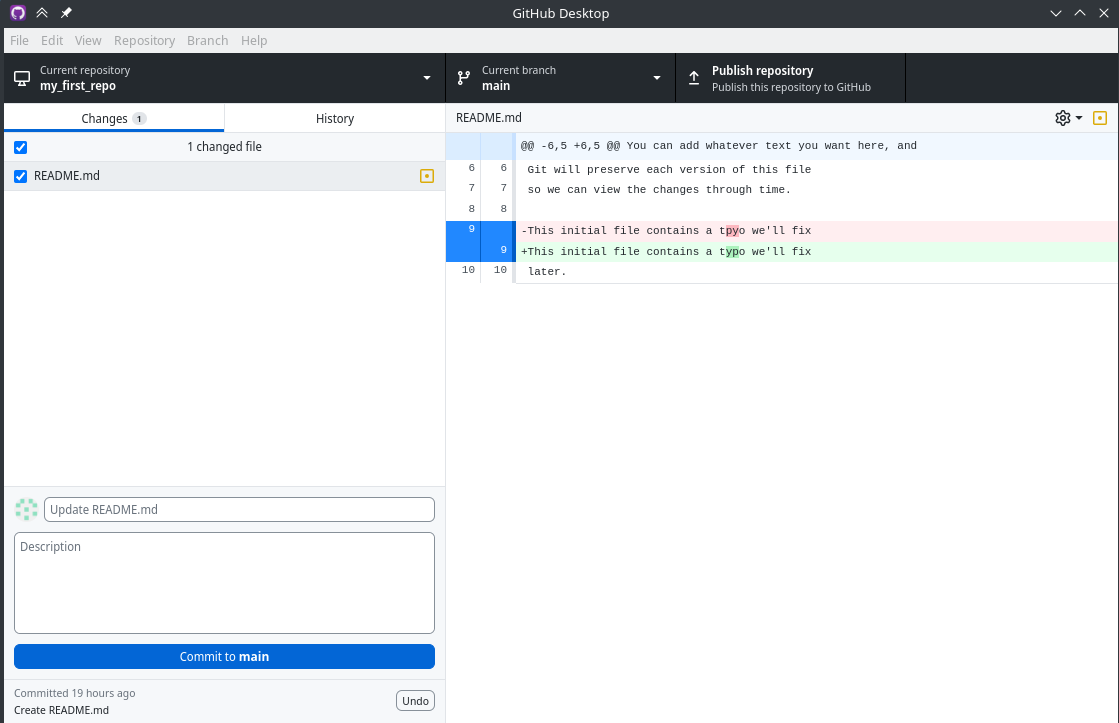
Stage/unstage
You can even stage/unstage individual lines
Commit Hashes
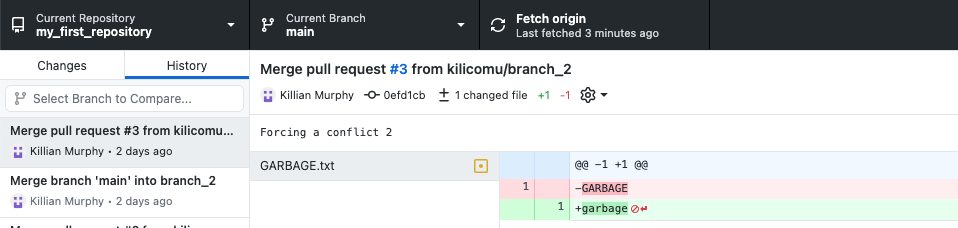
- Each commit in the history has a unique identifier associated with it, the commit hash
- This is a long string that looks something like this: 0efd1cb9e37318404b76de7c99e26fbef16ef3a3
- You only ever need the first 7 characters of the ID!
- It is used in any Git operation that needs to refer to a specific commit
Reverting A Commit
- GitHub desktop can’t revert many commits at once
- We can easily revert commits one-by-one!
- Switch to the “History” tab and right-click the latest commit
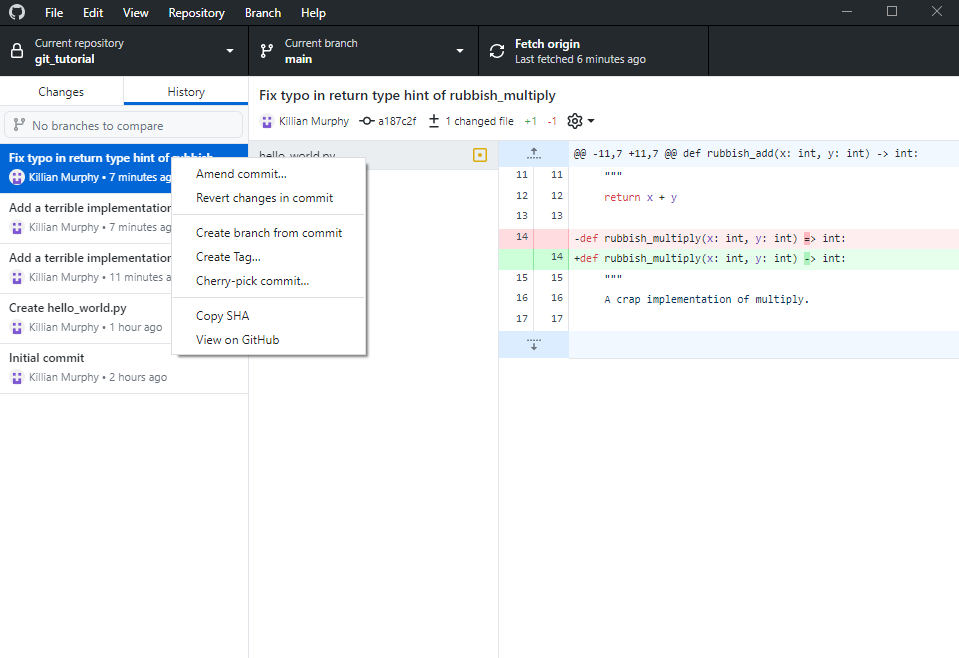
Click this
- We now have a new commit that reverts the previously made changes
- We can play around with this and see if it works
- If we are happy with the reversion, we can push to reflect the reversion on GitHub
- With GitHub Desktop, we need to do this for each commit we want to revert, in reverse order
- With the command line, reverting multiple commits at once is possible - not covering that today